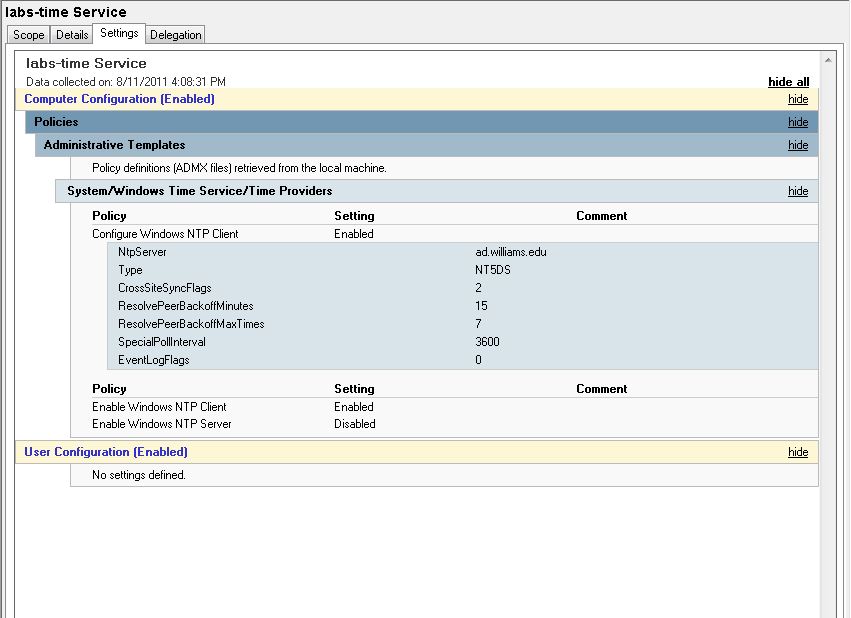
I like to set my computers to a known and near time server. Certain functions, like KeyServer access for software asset management, have been “temperamental” about time … here is the group policy setting I use to force the time on target computers ….
Tag Archives: Active_Directory
Windows 7 – GPO – Power Management
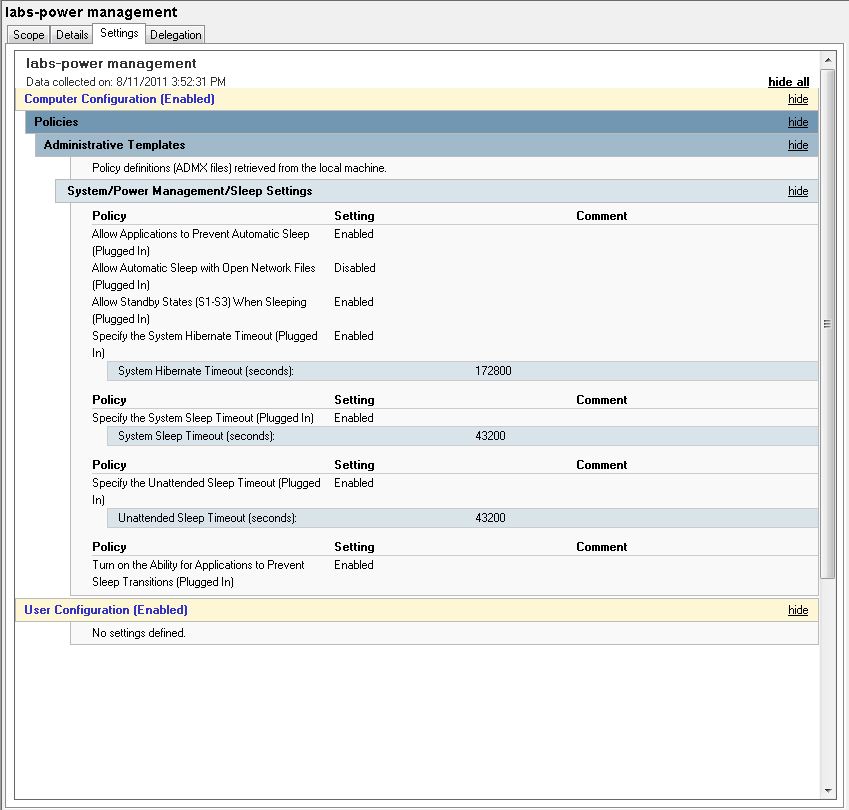
Using group policy settings I can manage when computers go to sleep, etc. I also have a KACE 1000 management server which allows me to shutdown computers on a particular schedule. Lastly, most of my computers are set to boot automatically at a certain time in the morning. So – with a combination of these tools – I can shutdown and turn on the computers in different places depending on needs. One set of computers may need to be on till 2:30 am while another set can be shut off at 4:30 pm, etc.
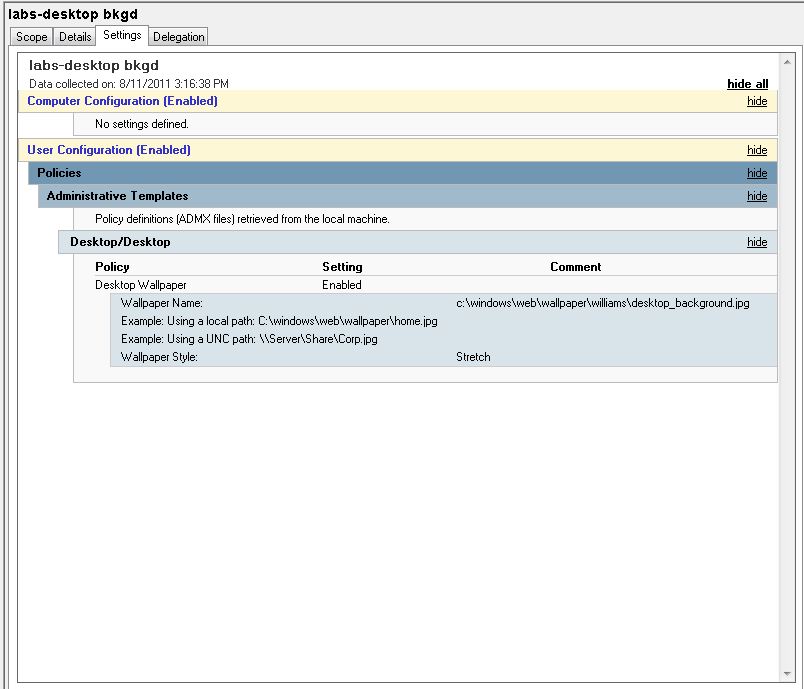
Windows 7 – GPO – Desktop Background
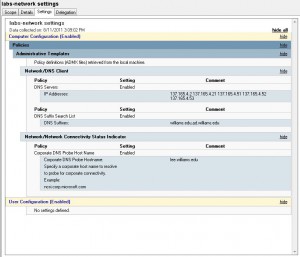
Windos 7 – GPO – DNS Settings
Theoretically, the DHCP servers should feed the correct information for DNS to windows 7 clients. Unfortunately, presently, I am experiencing an increased occurrence of DNS related troubles on my subnets. That is putting a “hitch in my giddy-up” as they say for imaging computers for the new semester …
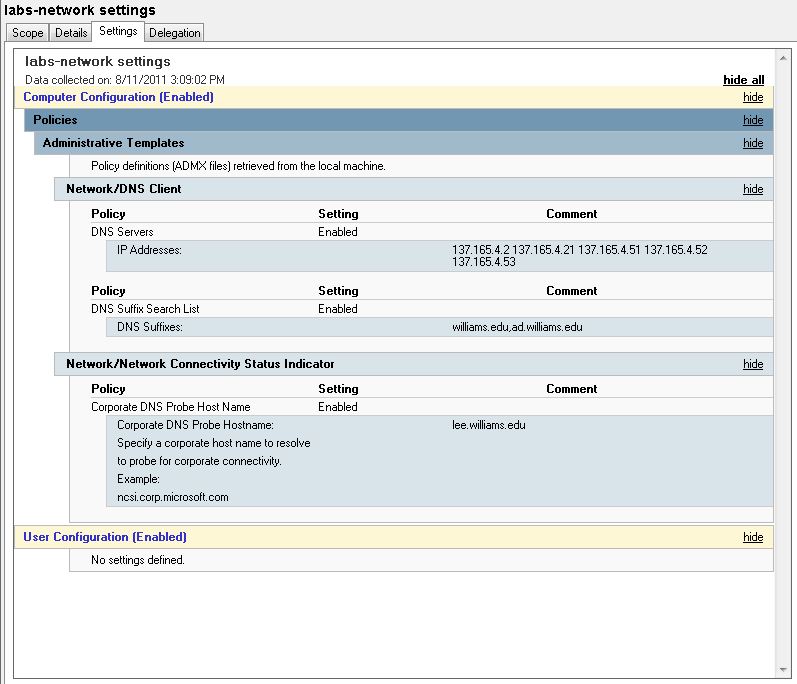
To mitigate the trouble I am adding static information to DNS settings using a group policy setting … This doesn’t fix imaging but it will allow people to use the computers with more reliability once they are imaged …. To get the imaging done I can revert to using local hard drives if I have to …
Also, static entries are being added to the bottom of the “Hosts” file in: c:\windows\system32\drivers\etc
# Settings added to mitigate DNS drops – summer 2011 – Lynna
127.0.0.1 localhost
137.165.4.2 lee.williams.edu
137.165.4.21 lenox.williams.edu