Below is information about FAST's two types of budget request processes:
Annual Budgets:
Annual Budgets are budgets that cover the expected expenses for an RSO for the entire academic year. (no need to submit a supplemental budget for every event!) They are only for RSOs who submitted an approved Audit the prior academic year. The status of an audit will be communicated over email to the relevant student. Audits are solicited at the end of the academic year for RSOs that were active that academic year. The audit will itemize that year's events, inventory and general expenses that were purchased from FAST.
Annual Budgets will open on September 11 and close on September 25th at 11:59pm.
To submit an Annual Budget:
- Fill out the Annual Budget template. Make a copy and fill out the current inventory of the RSO and all expected expenses. Please include all planned events and their expected expenses. Provide as much information as possible!
- Attach your budget template to and fill out the Annual Budget form.
- FAST will deliberate on your request during our Office Hours. Feel free to stop by if you have any questions about the process or your request. If FAST requests to change anything on the budget, those requests will be noted according to the legend at the top. We will reach out if we have any additional questions.
- The submitter of the form will be notified of the approval or denial through email. Once an annual budget has been approved, the RSO will be able to use those funds for their events and resources for the entire year. Please reach out if the need for additional funding arises.
- To access your funding for a specific event, you may use a p-card or seek reimbursement. Both processes require itemized receipts and they are highlighted below (below the supplemental funding request).
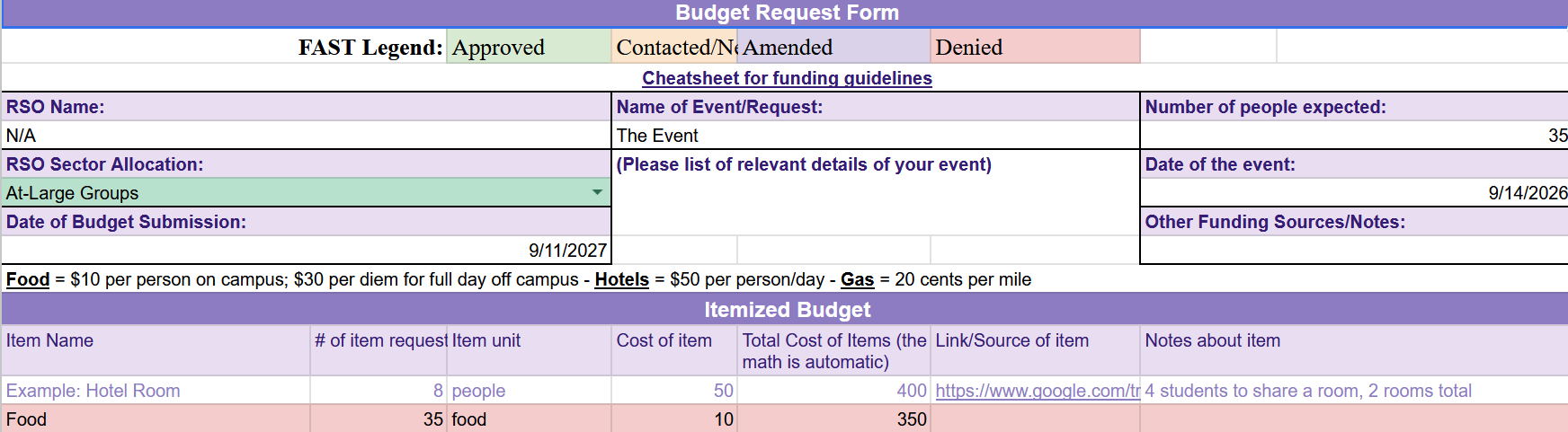 (click to enlarge)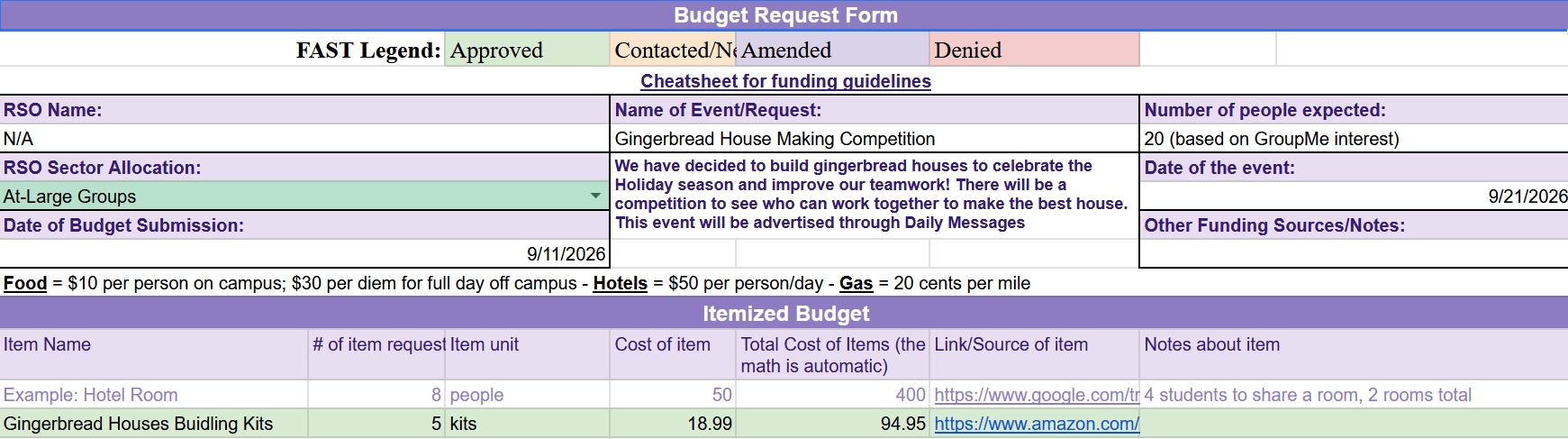
Below is information about the two types of RSO financial transactions that FAST oversees:
P-Cards
P-Cards should only be submitted after a budget has been approved!
Request a p-card through the RSO Financial Transactions Form. If you are drawing from an approved supplemental budget, please attach the relevant budget to this submission.
FAST will approve this request during its office hours and notify you via email. Afterward, you must schedule a meeting with Cailin McGowan using her calendly link.
An Important Policy: All purchases from Amazon, Walmart and Stop&Shop must be processed with Cailin McGowan. No reimbursements!
P-Cards can only be picked up in-person Monday-Thursday as Cailin is Out-of-Office on Fridays.
Picking Up & Returning P-Cards
P-Cards must be returned in person to an SLL staff member on the day agreed upon in your purchasing meeting. Students will need to return cards in the envelopes with all itemized receipts including receipts from any online purchases. There are a limited number of p-cards available at any given time, so requesting them farther in advance increases your chances of successfully acquiring one.